nodeN

DESIGN FOR SERVICEABILITY

A Tool Fits.
Can It Be Serviced?

Plan semiconductor equipment layouts around the work that happens after installation.

nodeN helps engineers check component removal paths, compare layout proposals, and keep the evidence behind each decision.

Assembly ViewSERVICE ACCESS
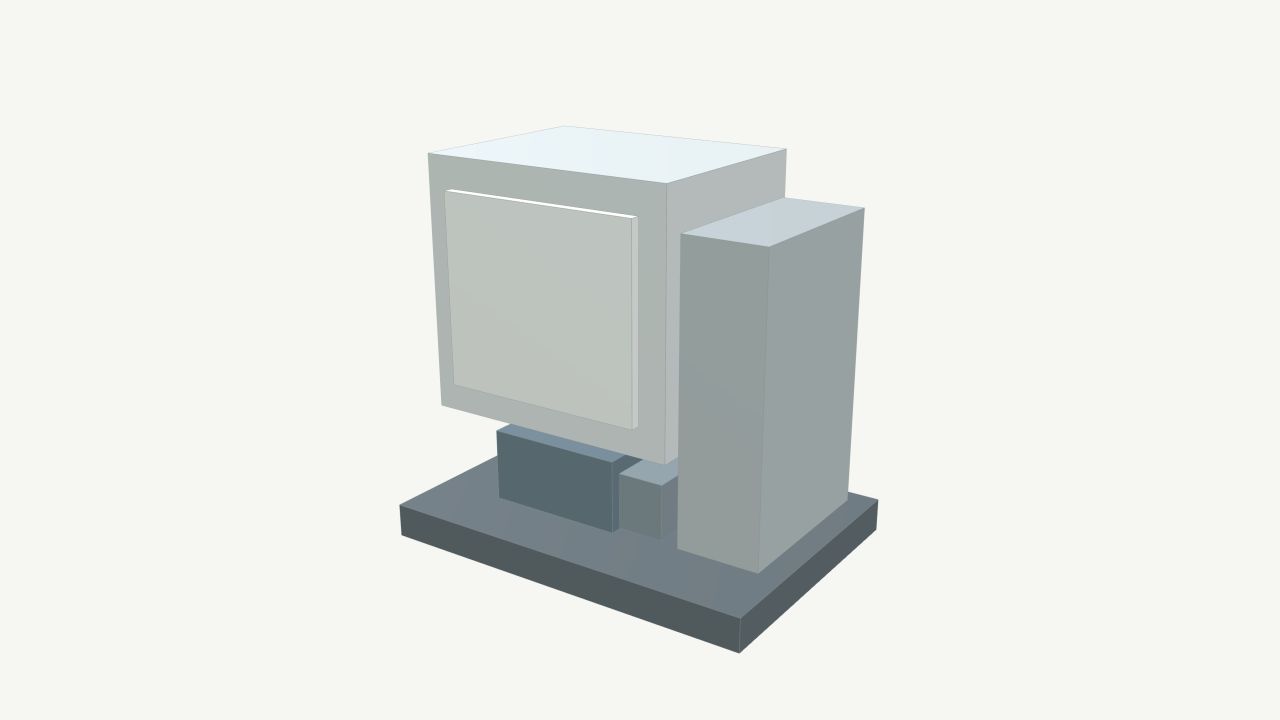
Original synthetic vacuum tool with its removable pump at the baseX / Y / Z mm
Equipment + Fab Context 01 / Pump Removal

FROM GEOMETRY TO EVIDENCE

See the Constraint.
Evaluate the Change.

A serviceable tool can become difficult to maintain once neighboring equipment and facility constraints enter the picture.

01

Assess the Current Layout

Inspect the tool in its bay and check an engineer-defined component removal path against surrounding geometry.

02

Compare Proposed Layouts

Create named proposals, adjust positions, and check whether the same service task has room to proceed.

03

Keep the Evidence

Inspect recorded checks, their inputs, and linked references across the current, proposed, and recorded installation layouts.

Same Task. Different Context.LAYOUT ILLUSTRATION
×
Removal Path Blocked

The neighboring tool intersects the removal path.

PRODUCT DEMO

Watch nodeN in Context.

From a blocked removal path to a clear proposal, supporting evidence, and a site-specific service draft outline.

nodeN / Product Demo01:39

WHAT’S NEXT / PLANNED WORK

Serviceability Across
the Equipment Lifecycle.

01 / EQUIPMENT & FAB CONTEXT

Plan for the Whole Service Task.

Expand model support and evaluate service equipment, temporary staging space, access routes, and nearby facility constraints alongside the component being serviced.

  • Broader Equipment Model Support
  • Service Equipment & Staging Envelopes
  • Layout Changes & Affected Evidence
02 / SITE-SPECIFIC SERVICE

Connect the Full Service Workflow.

Bring approved OEM sequences and site requirements into installation-specific service documents, with traceable references and responsible OEM and fab review.

Prepare→Perform→Restore

Prepare the tool and work area, perform the intended service, then restore tool function and the surrounding fab area.

Make Room for the Work
That Comes Next.